
Best Android Media Streaming Box: A Complete Guide to Choosing the Right IPTV Device, Apps, and Services
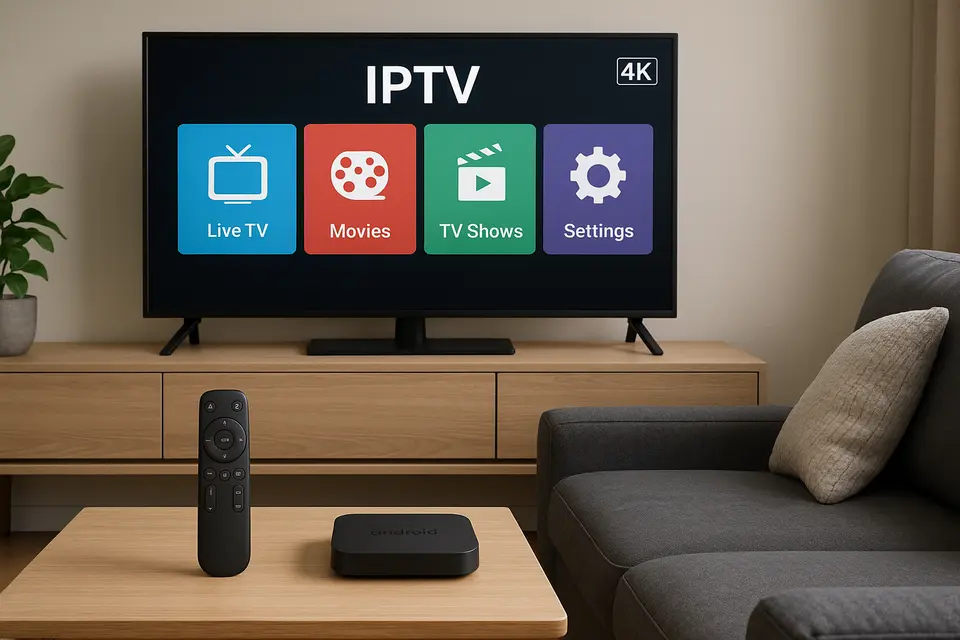
Estimated reading time: 12 minutes
Nexott is the most stable IPTV — watch every match without buffering
Key Takeaways
- Device Selection: Choose an Android media streaming box based on compatibility with IPTV services.
- Service Reliability: Reliable IPTV services maintain high uptime and transparency.
- App vs APK: Recognize the difference between standardized IPTV apps and customizable APKs.
- Setup Simplicity: Simple installation processes can enhance your overall experience.
- Performance Matters: Higher specifications on devices lead to better streaming quality.
Table of Contents
- Market Overview and Finding the Best IPTV Services
- Understanding IPTV Apps and APK Differences
- Firestick IPTV Solutions
- Smart TV IPTV Integration
- Why the Best Android Media Streaming Box Leads IPTV Performance
- IPTV on Alternative Platforms
- Xtream Player Integration and Setup
- IPTV Service Comparison Framework
- Practical IPTV Setup Guides
- Device Recommendations by Use Case
- Legal and Safety Considerations
- Frequently Asked Questions
Market Overview and Finding the Best IPTV Services
The term “best IPTV” typically refers to streaming services rather than hardware, but the distinction matters more than most buyers realize. IPTV services deliver content through internet protocols, while your streaming device acts as the platform that runs IPTV applications.
Legal IPTV options include established services like Sling TV, FuboTV, and YouTube TV, offering licensed content with proper broadcasting rights.
When evaluating any top-rated IPTV service, verify they offer trial periods or money-back guarantees. Legitimate providers understand that performance varies by location, internet provider, and device configuration.
Understanding IPTV Apps and APK Differences
The distinction between IPTV apps and IPTV APKs determines which streaming clients you can access and how you’ll install them. An IPTV app refers to any IPTV client available through official app stores like Google Play, providing a standardized experience.
An IPTV APK represents the actual Android package file that you can install manually, requiring users to download and sideload files directly.
Firestick IPTV Solutions
Amazon Fire TV devices run a modified Android operating system but primarily rely on the Amazon Appstore for software distribution. You can install an IPTV Firestick app directly from Amazon’s store.
However, the most capable IPTV clients often require installing a Firestick IPTV APK through sideloading.
Smart TV IPTV Integration
Using IPTV on Smart TV eliminates the need for additional hardware. Samsung TVs often support dedicated IPTV Samsung apps like Smart IPTV.
The main advantages include simplified control management and reduced cable clutter. However, limitations include slower processors and inconsistent update schedules.
Why the Best Android Media Streaming Box Leads IPTV Performance
A dedicated best android media streaming box ensures optimal performance due to superior hardware specifications. Quality Android boxes typically include quad-core processors, 4GB+ RAM, and 32GB+ storage.
The Android TV operating system offers access to both official Google Play Store apps and sideloaded APKs, giving users a complete ecosystem of IPTV app options.
IPTV on Alternative Platforms
While IPTV on Roku faces significant limitations due to its closed ecosystem, IPTV on Xbox operates through compatible applications. The IPTV MAG box is purpose-built for IPTV applications.
Xtream Player Integration and Setup
The Xtream Player connects to IPTV services using the Xtream Codes API protocol, offering standardized connections through user credentials.
Setting up Xtream Player requires essential information: server URL, username, and password. The application then fetches available channel lists and EPG data.
IPTV Service Comparison Framework
Effective IPTV service comparison should include uptime reliability, device compatibility, and service transparency.
When you review IPTV services, prioritize comments from users that specify their device setup and geographic location.
Practical IPTV Setup Guides
Installing the best IPTV app varies across devices. For the simplest experience, check out our master install guide.
Device Recommendations by Use Case
Budget users should consider the Amazon Fire TV Stick 4K Max. Mid-range users benefit from Android boxes like Xiaomi Mi Box S 4K, while premium users should opt for NVIDIA Shield TV Pro for top performance.
Legal and Safety Considerations
IPTV legality depends entirely on content licensing. Avoid devices pre-configured with IPTV services that include unlicensed content.
Stay protected by downloading applications from trusted sources and considering VPN usage for privacy.
Frequently Asked Questions
What’s the difference between an IPTV APK and an IPTV app?
An IPTV app is available through official app stores, while an IPTV APK is a manually installed file that often provides access to more advanced features.
Which device is the best Android media streaming box for IPTV?
The NVIDIA Shield TV Pro offers the best overall performance, while the Formuler Z12 Ultra specializes specifically in IPTV functionality.
Can I use IPTV on Roku easily?
IPTV on Roku is limited to official services like Sling TV; custom implementations require workarounds.
How do I choose between different IPTV services?
Focus on factors like uptime reliability and trial availability rather than advertised channel counts.
Is Xtream Player better than M3U playlists?
Xtream Player connections provide automatic EPG updates, while M3U playlists require manual updates when lineups change.
